Tasks |
||||
Task 1: For this task I needed to explore technologies that relate to university life as a social learner. For Task 1 of my EDN113 unit, I have to create a professional website about my learning journey studying this unit and throughout the rest of the course and an updated blog. Part three of the assignment is to think of a social situation where social networking will be used and I need to discover three of them. I then have to choose one to use for my social situation. My social situation is based on something that is coming up in my life at the moment. My brothers 20th is next week, so I want guests to select their favourite food and music genre using a survey, so that everyone is able to have a great time with great food and good music. one of my peers will follow my instructions and provide me constructive feedback about how to improve it. I will then get the opportunity to follow another peers instructions and also provide them feedback to help them as well. I researched 3 technologies that allowed me to create a survey for my situation. the technologies I researched were: Free Online Surveys, Zoomerang and Survey Monkey. I decided to use Survey Monkey. You can find out why by reading my blog. Click here to view my survey Below are my Instructions on how to fill in the survey and submit it, so we are ready to have a great time!
|
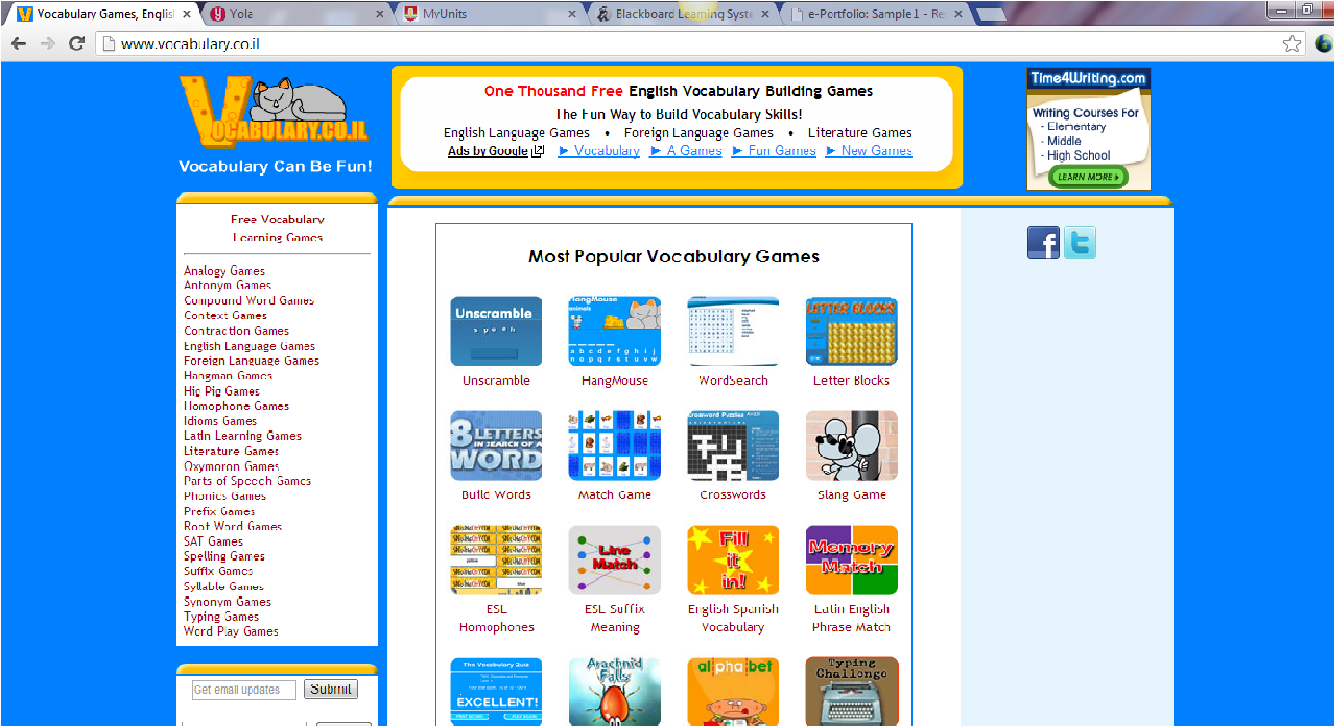
Task 2: For this task I had to explore technologies related to my work at university as a learner and researcher. Working in groups of 4, we first selected our teaching area which was English then selected our resource type. I chose a website/blog or wiki. Individually I then went looking for a website that was about learning English using technology.Each team member had to find a different resource type. I then had to choose a referencing technology, learn how to use it and create a 5 minute screen cast to show others how to use the referencing technology and add it to a word document for an in-text reference and an end-text reference. When choosing my website about technology and English I did a Google search and nothing very appealing came up. When i was at work sitting next to someone, I noticed she had education websites open. She told me about them and told me that I should really have a look at them. When i came home I found the websites and found them very informative and inspiring. Once that was all done, we then had to peer review someone else work and give them feedback. GROUP AND RESOURCE INFORMATION: Resource Type: Website Teaching Area: English Group members: Heidi-Maree, Belinda, Louise MY RESEARCH TECHNOLOGY: WWW.GOOGLE.COM By entering a search in google I came up with the website that I found was very informative and I wanted to use. The website i chose was: www.vocabulary.co.il
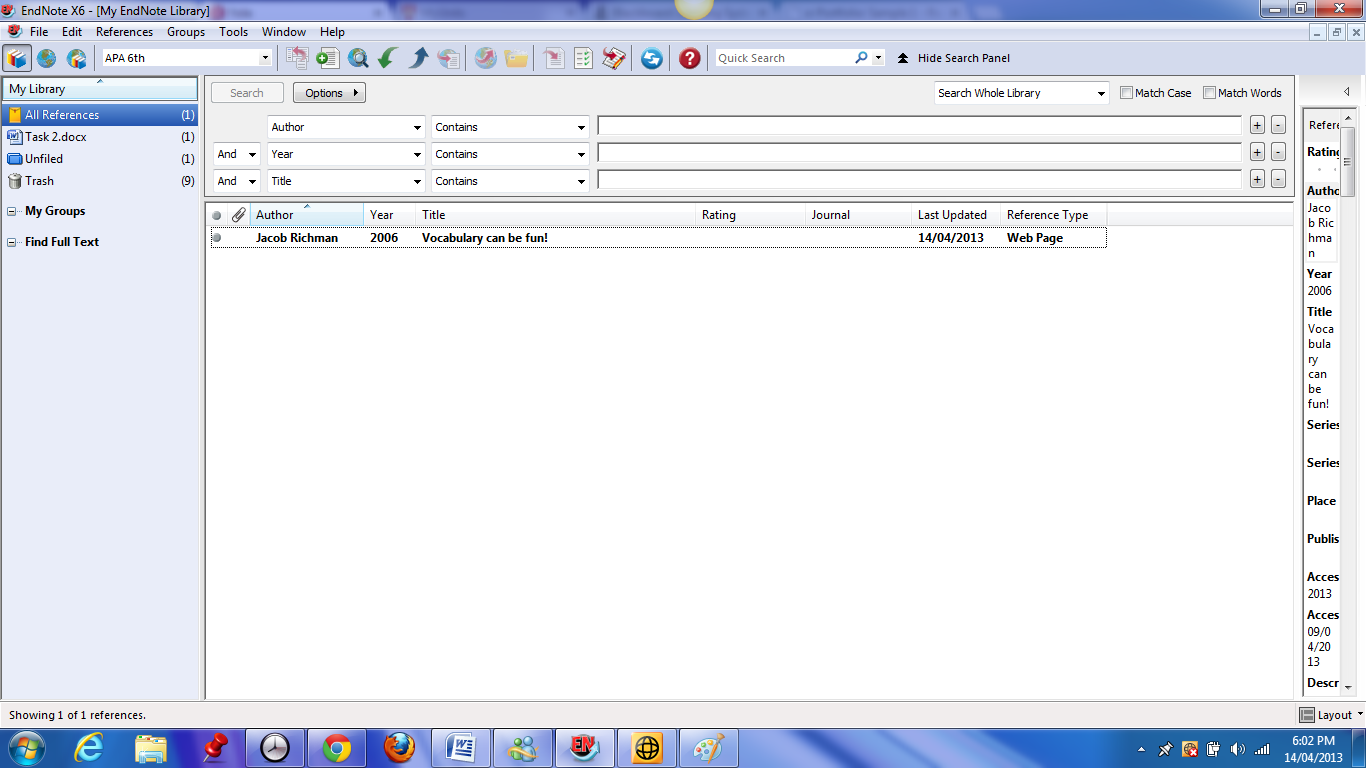
REFERENCE TECHNOLOGY: EndNote The referencing technology I chose to use from the referencing technologies in the toolbox was EndNote. The tutoirals on the Technology toolbox page helped me a lot alongside emails sent to my tutor and on the discussion board.
Below is the link for my screencast using Screencast.com alongside Jing.com. Here is where you will find the instructions on how to reference a website using EndNote and how to reference on a word document. |
|||